
Note
Go to the end to download the full example code.
Functional API#
Create memes using the meme() function with text styling
options and figure access.
Customizing Text#
Pass font, color, and style keyword arguments to control text
appearance.
import memeplotlib as memes

memes.meme(
    "drake",
    "writing tests",
    "shipping to prod",
    font="impact",
    color="yellow",
    show=False,
)
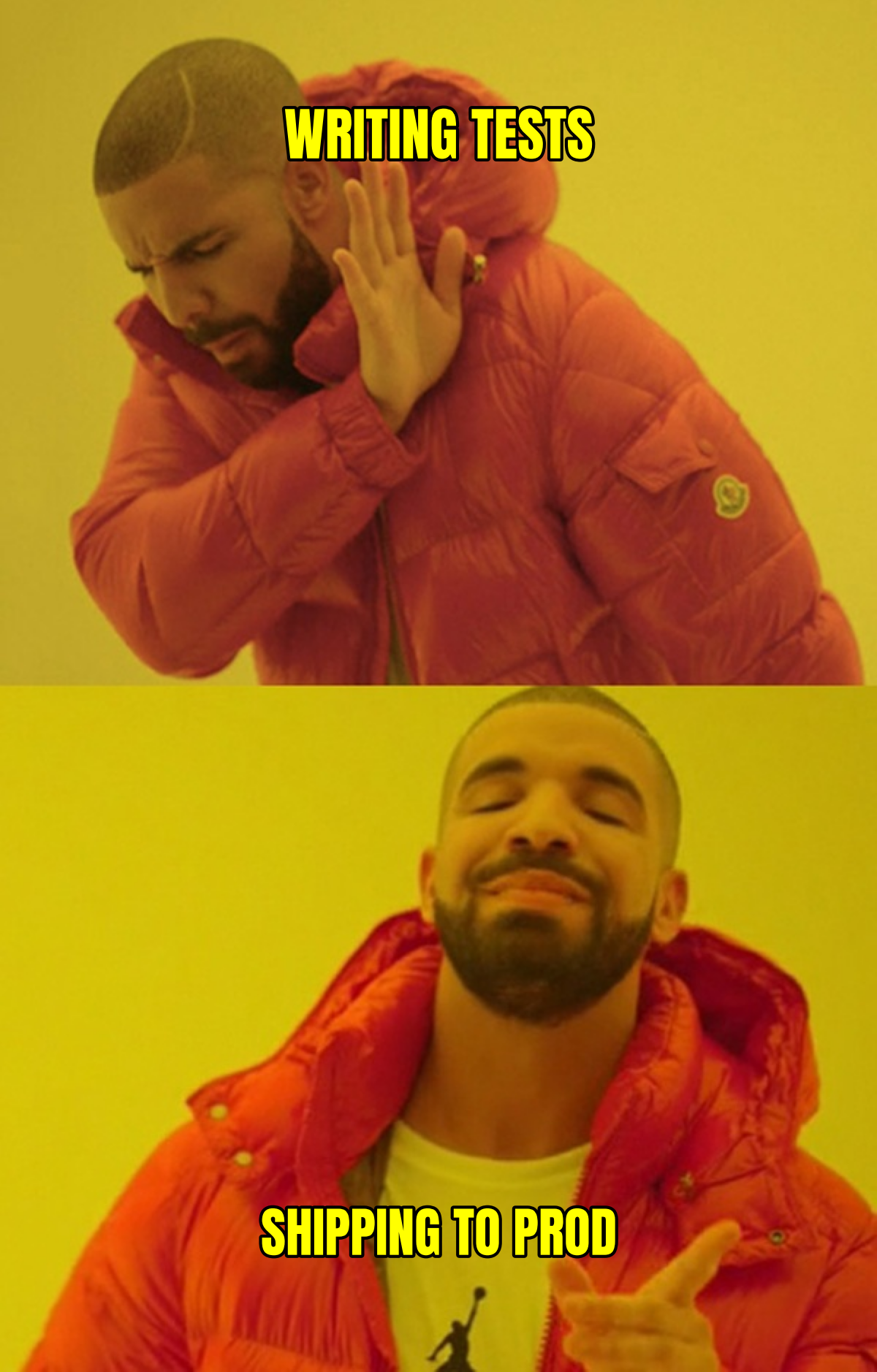
(<Figure size 1200x1878 with 1 Axes>, <Axes: >)
Getting the Figure Back#
meme() returns a (Figure, Axes) tuple, so you can
continue to modify the plot — the matplotlib convention.
fig, ax = memes.meme(
    "buzz",
    "every API call",
    "every API call everywhere",
)
# fig and ax are real matplotlib objects — annotate, savefig, etc.
ax.set_title("functional API output", fontsize=14)

Text(0.5, 1.0, 'functional API output')
Total running time of the script: (0 minutes 1.254 seconds)